Line (S2)
The Line component in the S2 package supports all the props from the base Line component plus several S2-exclusive features: gradients, interpolation, inline direct labels, and Spectrum 2 styled point display.
import { Chart, Axis, Line, Legend } from '@spectrum-charts/react-spectrum-charts-s2';
Line gradient
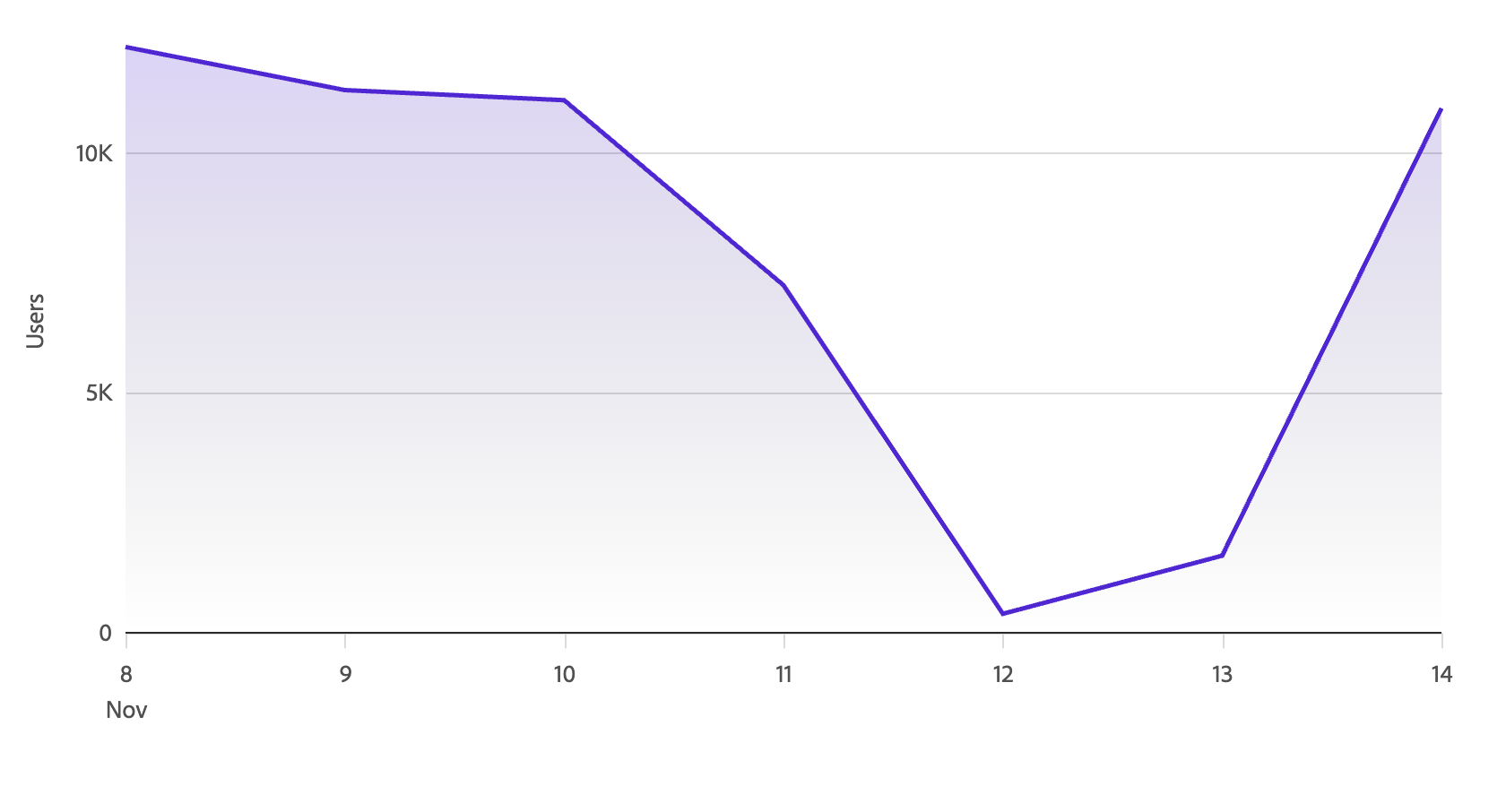
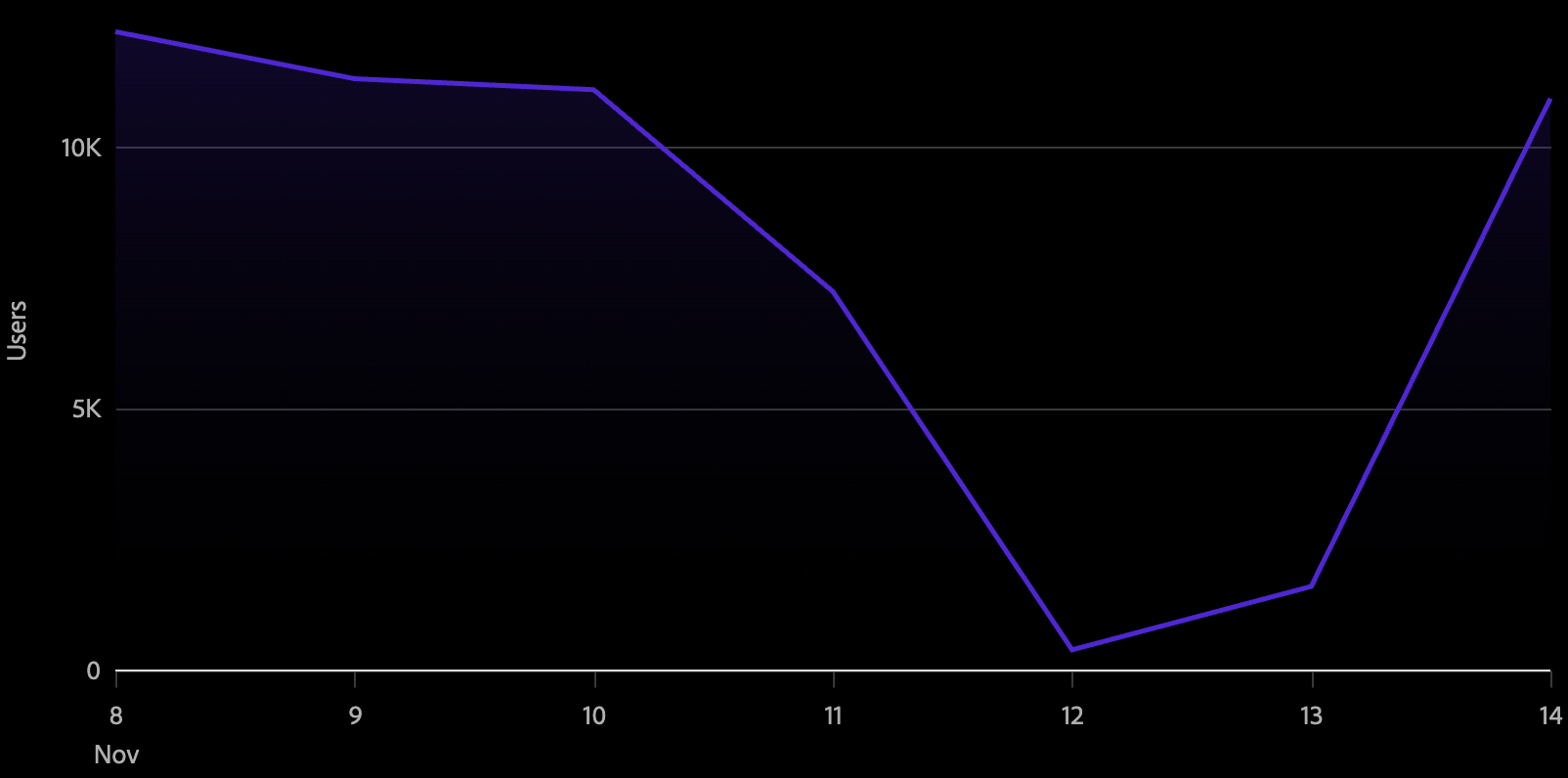
Setting gradient to true renders a filled area beneath the line that fades from the line color to transparent. This works well for emphasizing trends on single-series or lightly multi-series charts.
<Chart data={data}>
  <Axis position="bottom" labelFormat="time" ticks baseline />
  <Axis position="left" grid />
  <Line color="series" gradient />
</Chart>
Line interpolation
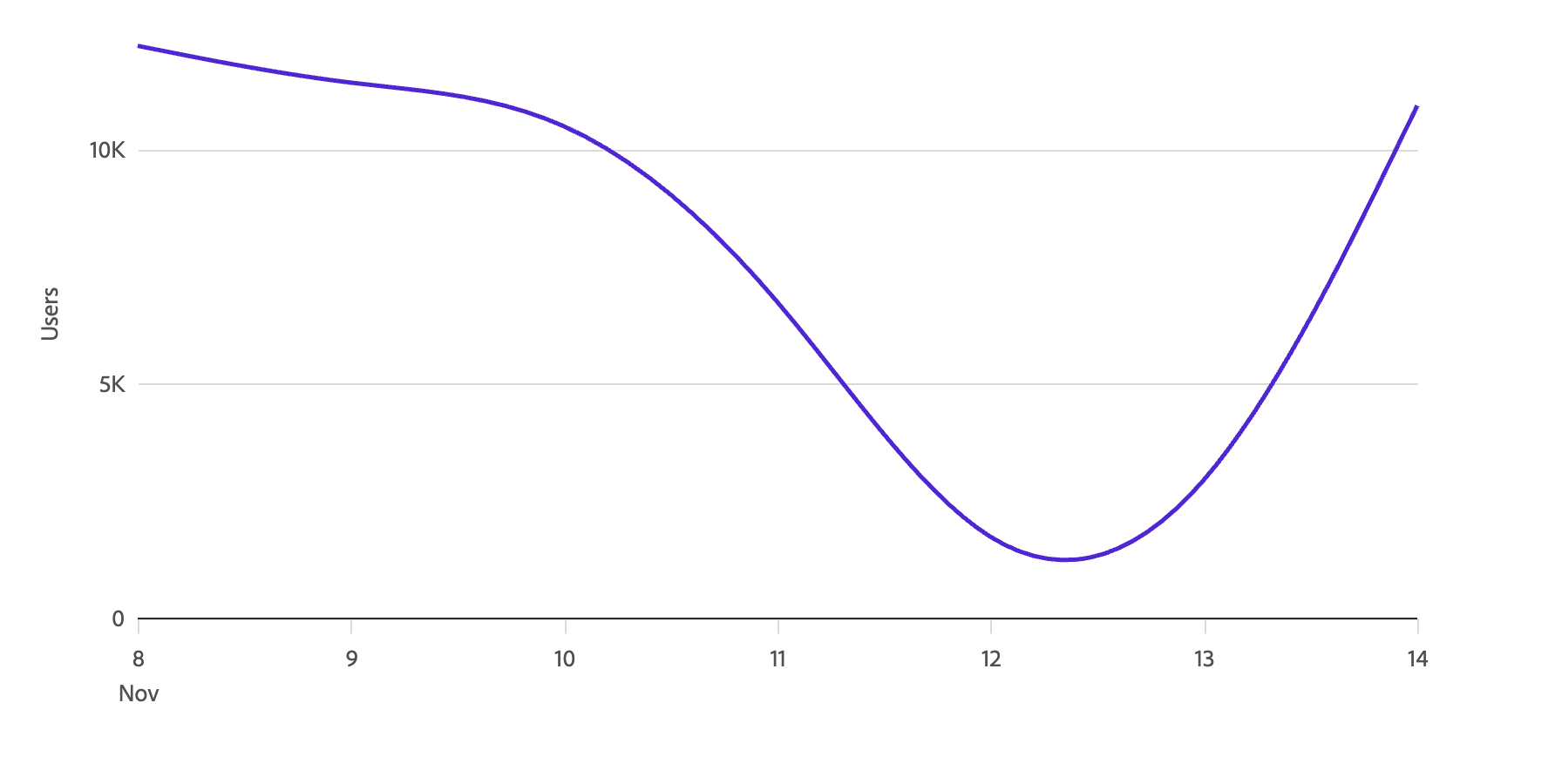
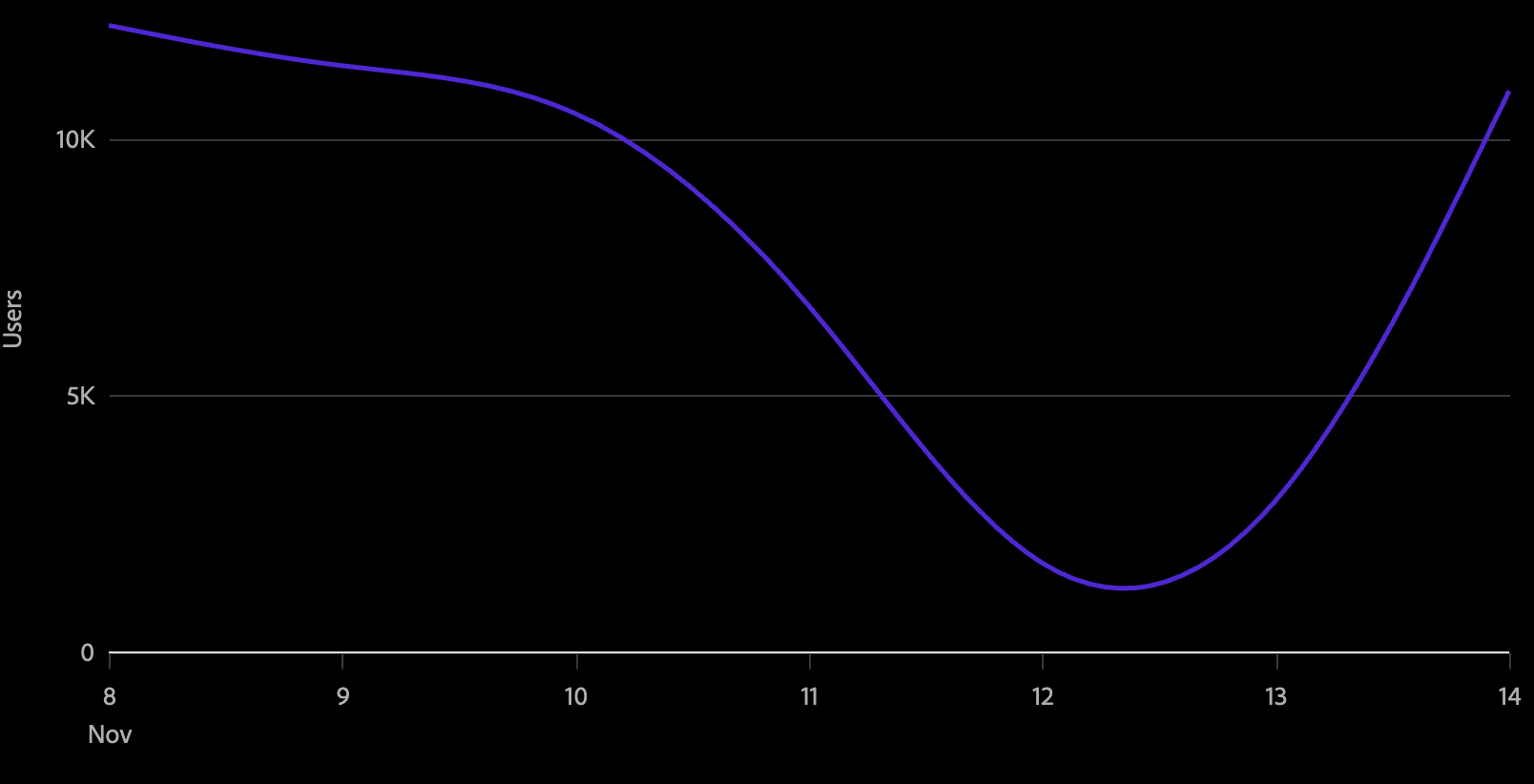
The interpolate prop controls the curve algorithm used to draw the line between data points.
<Chart data={data}>
  <Axis position="bottom" labelFormat="time" ticks baseline />
  <Axis position="left" grid />
  <Line color="series" interpolate="monotone" />
</Chart>
Available interpolation methods:
| Value | Description |
|---|---|
'linear' | Straight segments between points (default Vega behavior) |
'monotone' | Smooth curve that preserves monotonicity — recommended for most time-series data |
'basis' | B-spline curve |
'cardinal' | Cardinal spline |
'catmull-rom' | Catmull-Rom spline |
'natural' | Natural cubic spline |
'step' | Horizontal then vertical steps, centered on the data point |
'step-before' | Vertical then horizontal steps |
'step-after' | Horizontal then vertical steps |
Line point styles
In the S2 package, visible points on a line are styled automatically using Spectrum 2 design tokens — including color, stroke, and size — when they are displayed. Points are shown in two cases:
- On hover — a point appears at the hovered location on the line.
- Static points — use the
staticPointprop to mark specific data points as always visible. SetstaticPointto the key in your data whose value istruefor the data points you want to pin.
// data: [{ datetime: ..., value: 10, highlight: true }, ...]
<Line color="series" staticPoint="highlight" />
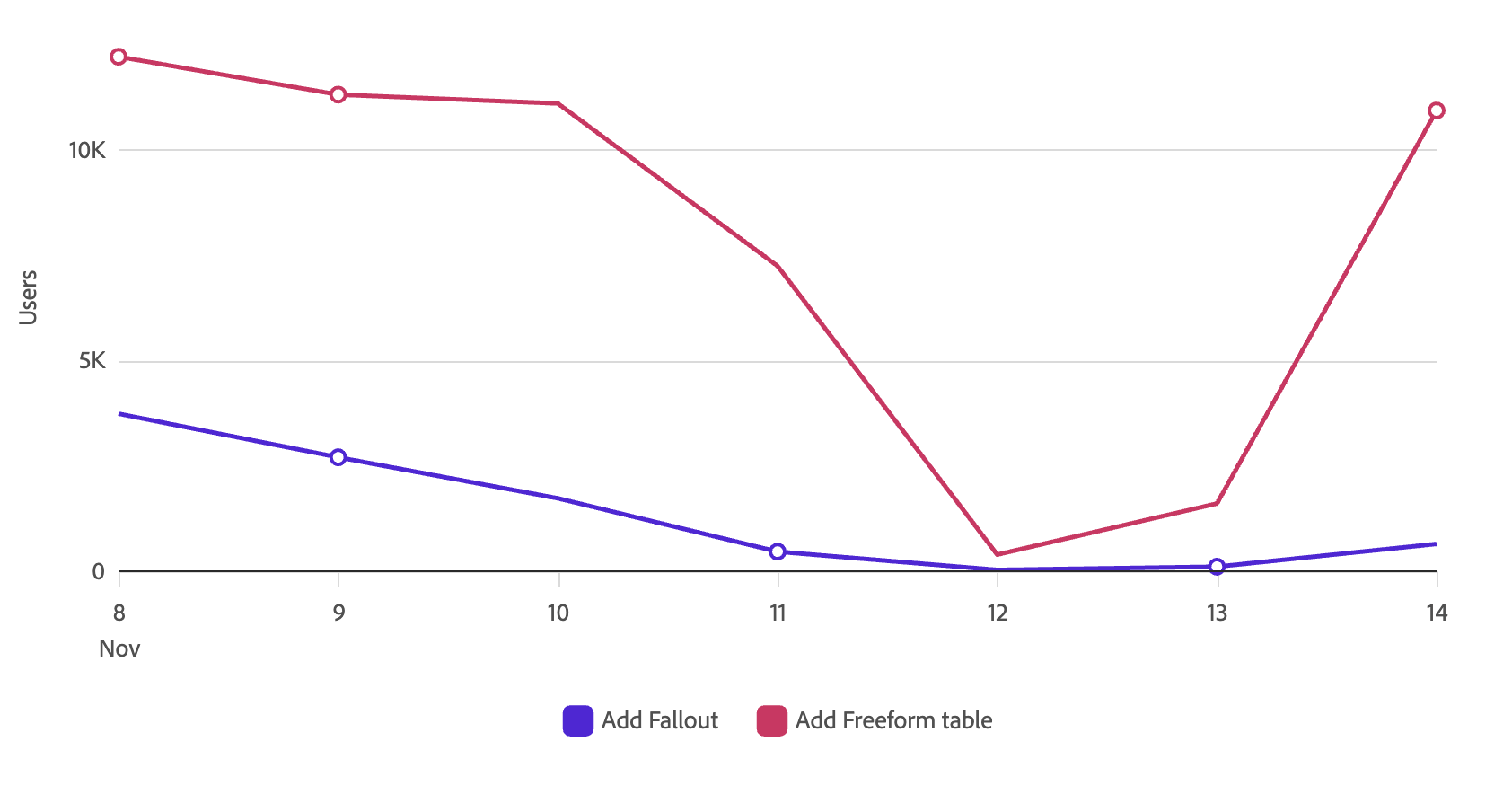
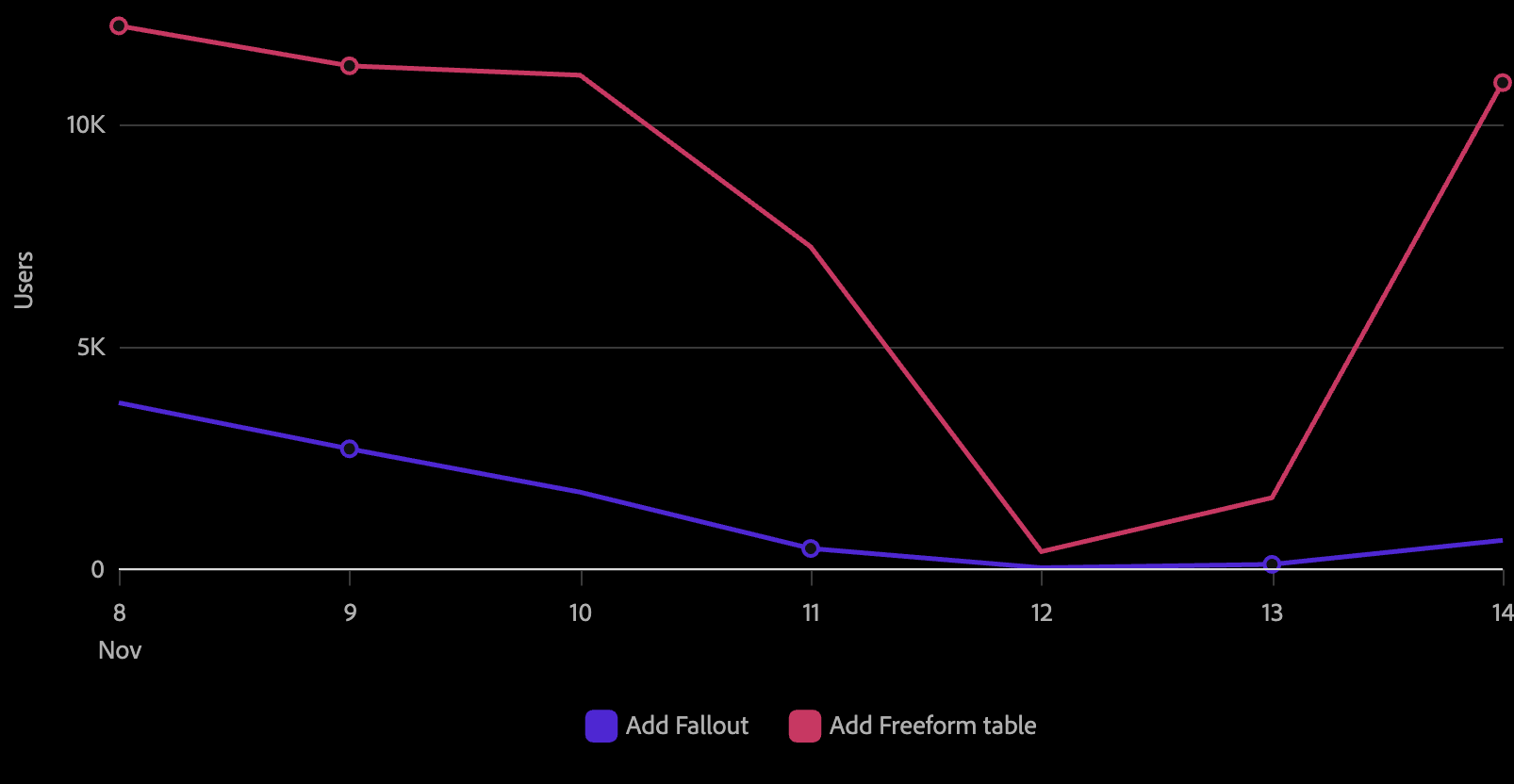
S2 selection and hover states (stroke ring, opacity fading of other series) are handled automatically by the S2 spec builder and follow the Spectrum 2 visual spec.
Line direct labels (LineDirectLabel)
The LineDirectLabel component is an S2-exclusive child of Line. It places an inline text label at the end of each line series by default, making multi-series charts readable without requiring a separate legend. Use the position prop to move labels to the start instead.
<Chart data={data}>
  <Axis position="bottom" labelFormat="time" ticks baseline />
  <Axis position="left" grid />
  <Line color="series">
    <LineDirectLabel />
  </Line>
</Chart>
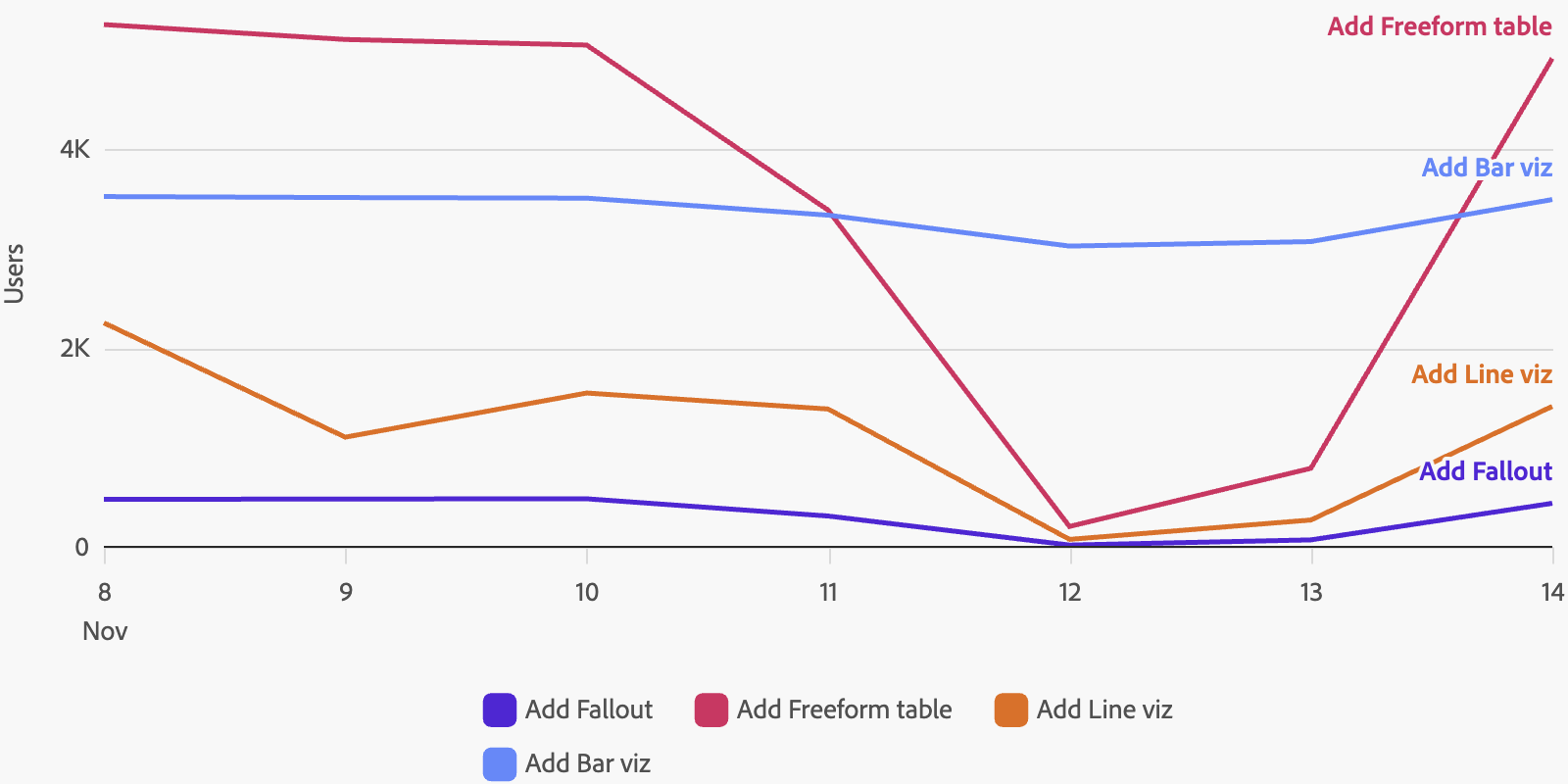
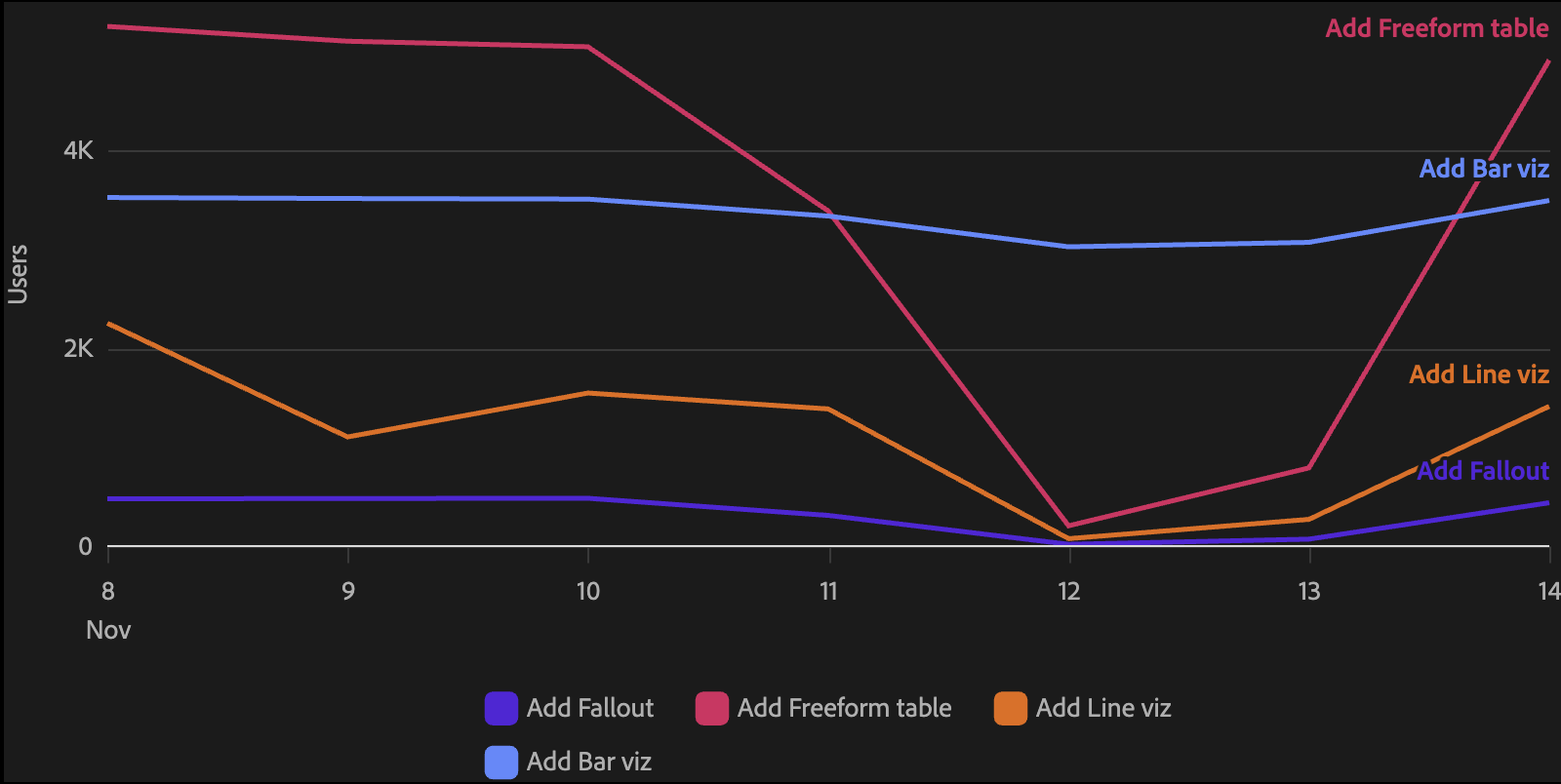
Labels are automatically positioned to avoid overlap. When two series end at similar values, the labels are offset vertically.
Showing different values
{/* Show the series name instead of the last value */}
<LineDirectLabel value="series" />

{/* Show the average value */}
<LineDirectLabel value="average" />

{/* Place the label at the start of the line */}
<LineDirectLabel position="start" />

{/* Add a prefix and custom number format */}
<LineDirectLabel prefix="Avg:" value="average" format=".1f" />
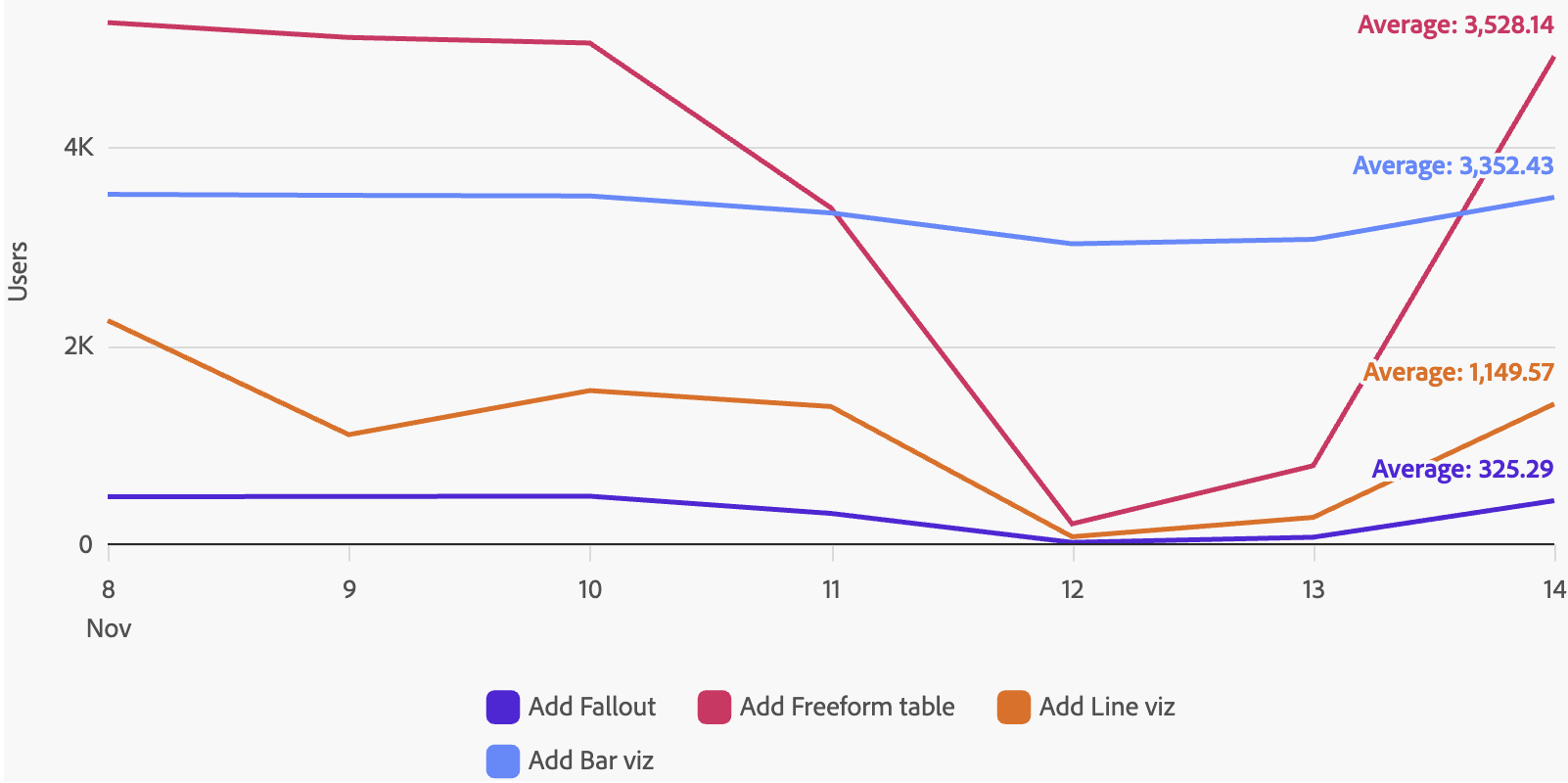
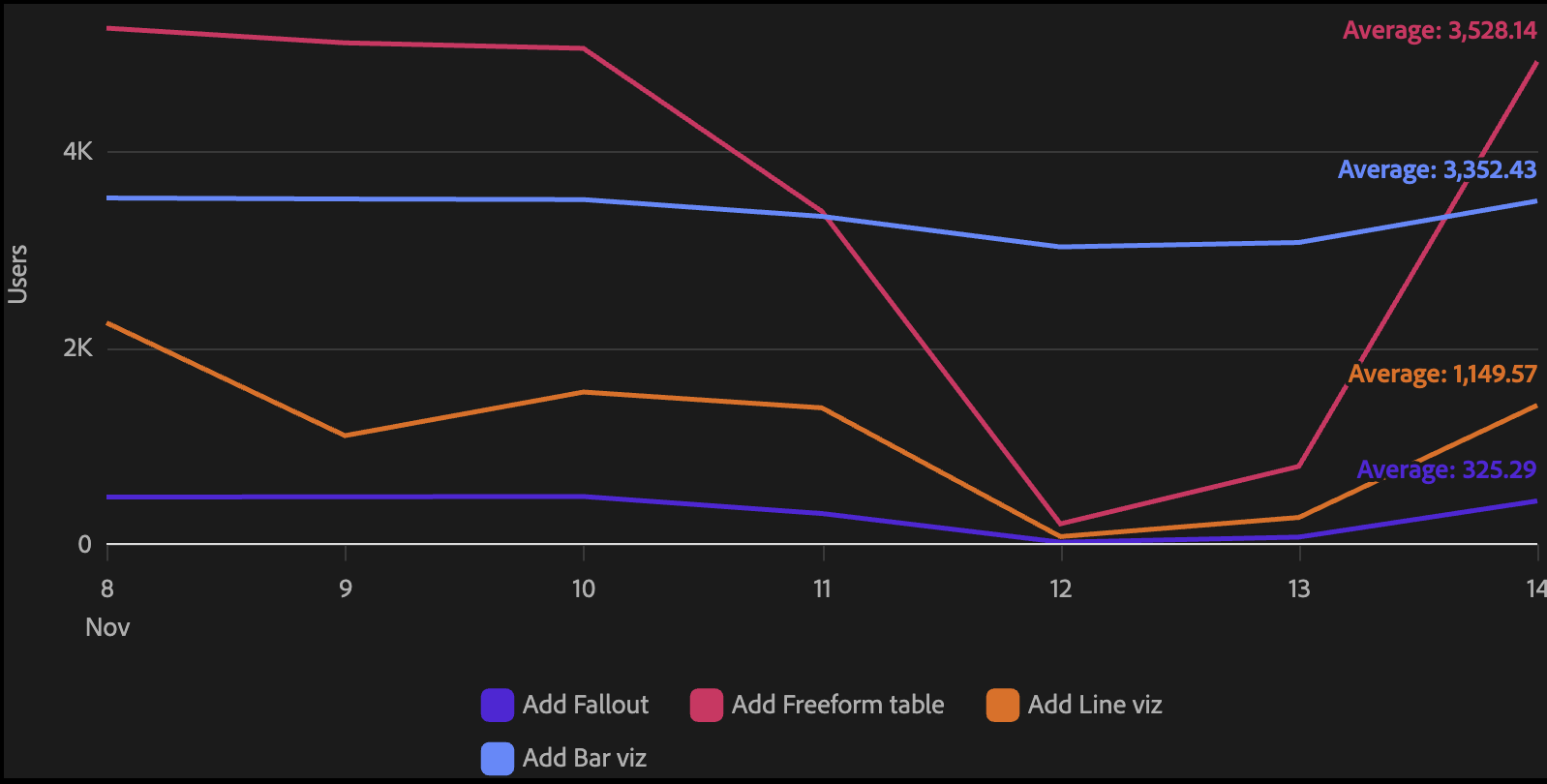
Excluding series
Use excludeSeries to prevent labels from appearing on specific series:
<LineDirectLabel excludeSeries={['Other', 'Unknown']} />
LineDirectLabel props
| name | type | default | description |
|---|---|---|---|
| value | 'last' | 'average' | 'series' | 'last' | What to display as the label text. |
| position | 'start' | 'end' | 'end' | Where to place the label. 'end' places it at the right edge of the chart; 'start' places it at the left edge. |
| format | string | ',.2~f' | A d3-format string controlling how numeric values are displayed. Has no effect when value="series". |
| prefix | string | – | Text prepended to the label value, separated by a space. |
| excludeSeries | string[] | [] | Series names that should not receive a label. |
Line props (S2)
The S2 Line component does not yet support onMouseOver, onMouseOut, MetricRange, Trendline, or LinePointAnnotation. LinePointAnnotation is replaced by LineDirectLabel.
| name | type | default | description |
|---|---|---|---|
| children | ChartTooltip | ChartPopover | LineDirectLabel | – | Optional child components for tooltips, popovers, and inline direct labels. |
| color | string | {value: string} | 'categorical-100' | Key in the data used to map each series to a color, or a fixed color value object. |
| dimension | string | 'datetime' | Key in the data that the metric is trended against (x-axis). |
| dualMetricAxis | boolean | – | When true, the last series uses a secondary y-axis with an independent scale. |
| gradient | boolean | – | S2 only. When true, renders a gradient fill beneath the line that fades from the line color to transparent. |
| interactionMode | 'nearest' | 'item' | 'nearest' | Controls which point is highlighted when the user hovers over the chart area. |
| interpolate | 'basis' | 'cardinal' | 'catmull-rom' | 'linear' | 'monotone' | 'natural' | 'step' | 'step-after' | 'step-before' | – | S2 only. The curve interpolation method used to draw the line between data points. |
| lineType | string | {value: LineType | number[]} | {value: 'solid'} | Key in the data for line type faceting, or a fixed line type value. |
| metric | string | 'value' | Key in the data used for the y-axis value. |
| metricAxis | string | – | Name of the axis the metric is plotted against. Used for dual-axis layouts. |
| name | string | 'line0' | Name of the line component. Useful when referencing a specific line programmatically. |
| onClick | (datum: Datum) => void | – | Callback fired when a point or section of the line is clicked. |
| onContextMenu | (event: MouseEvent, datum: Datum) => void | – | Callback fired on right-click. Use this to show a custom context menu anchored to the clicked point. |
| opacity | number | string | – | Fixed opacity value or key in the data for opacity faceting. |
| padding | number | – | Chart area padding. A ratio (0–1) for categorical scales or a pixel value for continuous scales. |
| scaleType | 'linear' | 'time' | 'point' | 'time' | The scale type for the x-axis dimension. |
| staticPoint | string | – | Key in the data whose truthy value causes a visible point to be drawn at that data item. |
Reference lines (S2)
The ReferenceLine component is a child of Axis that draws a vertical or horizontal reference line at a specified value. It is available in the S2 package and styled to the Spectrum 2 visual spec.
import { Chart, Axis, Line } from '@spectrum-charts/react-spectrum-charts-s2';

<Chart data={data}>
  <Axis position="bottom" labelFormat="time" ticks baseline>
    <ReferenceLine value={1706745600000} label="Launch" />
  </Axis>
  <Axis position="left" grid />
  <Line color="series" />
</Chart>
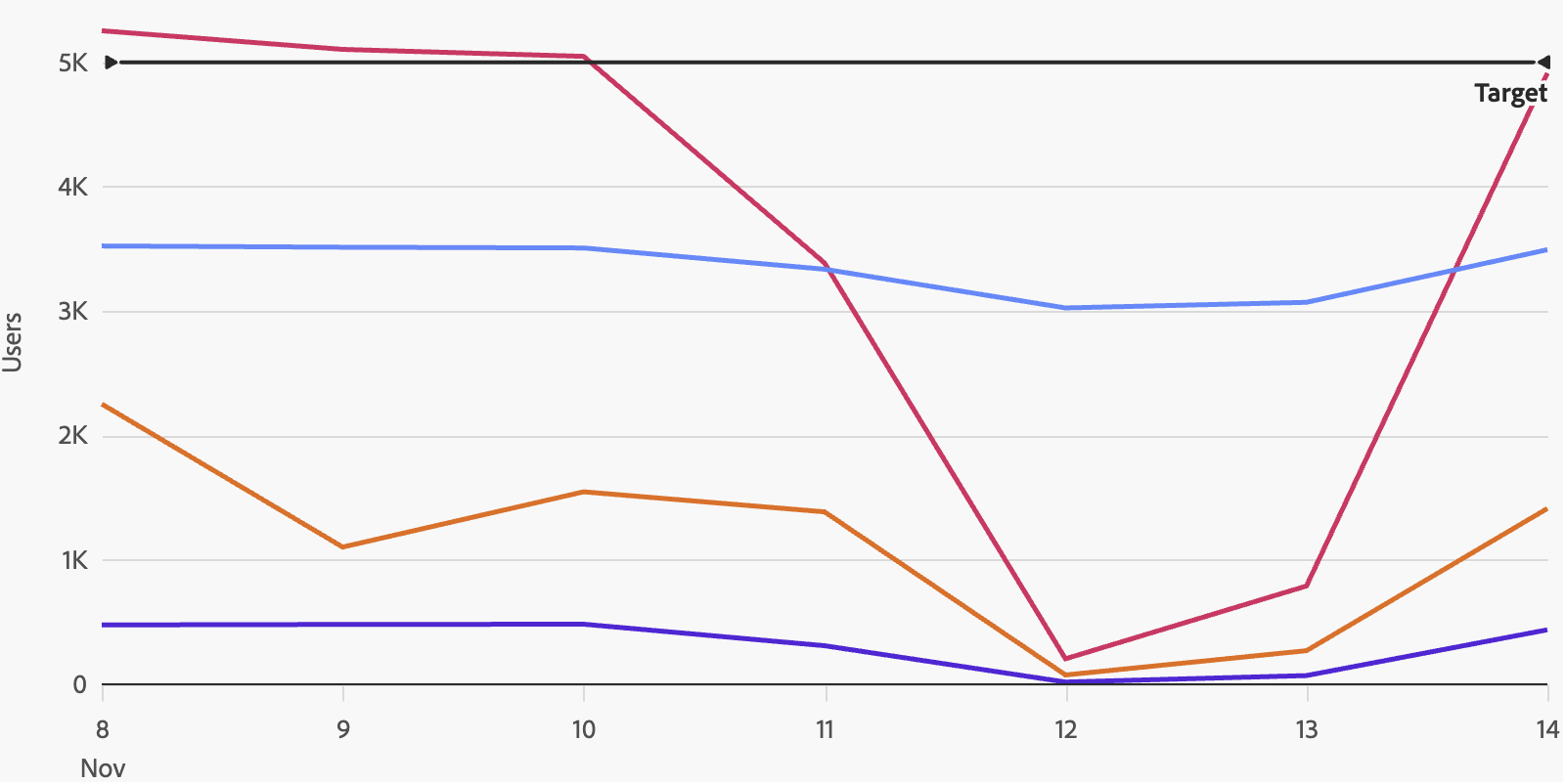
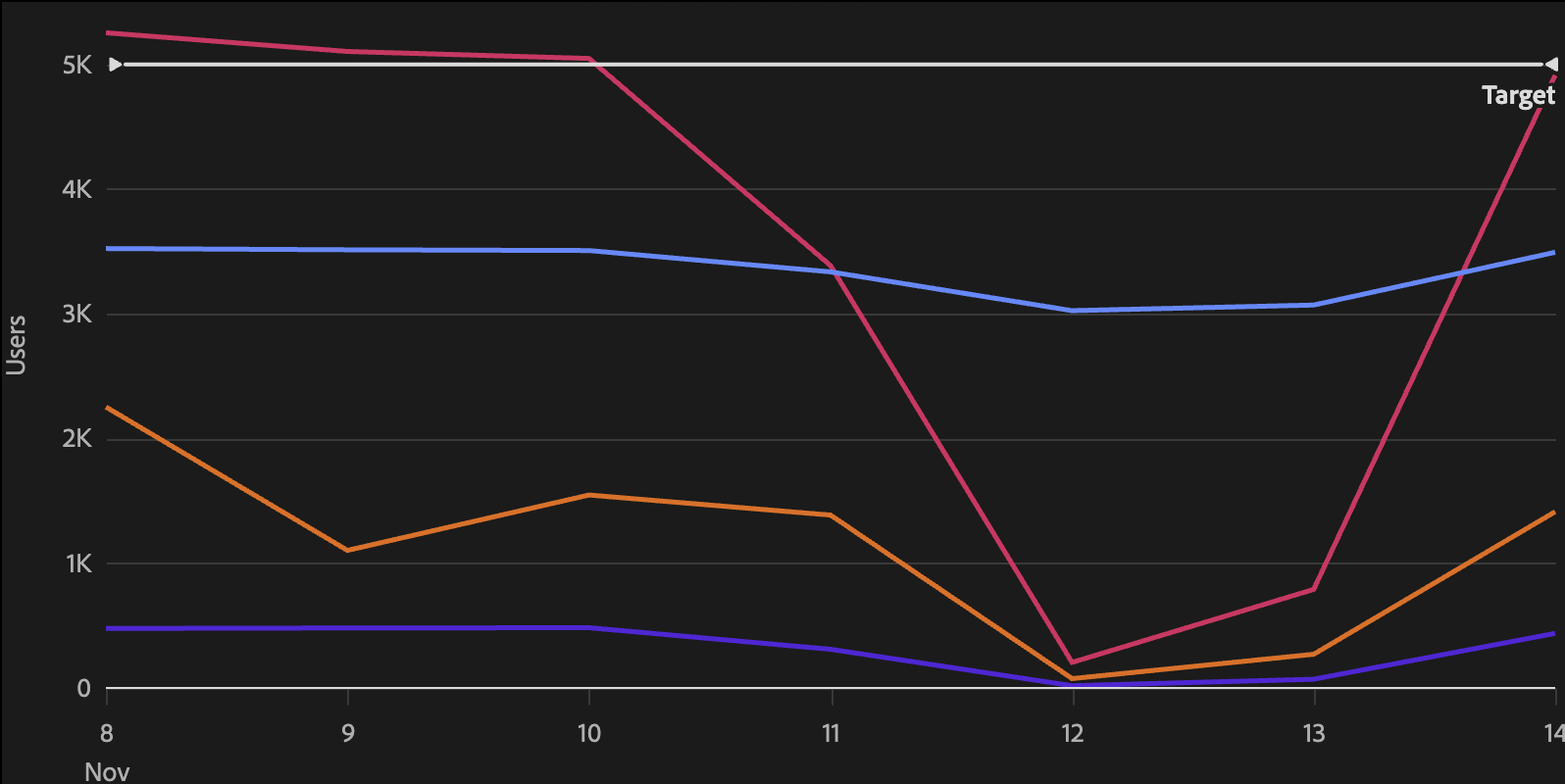
The reference line is drawn on the axis it is nested inside. Use a bottom/top axis child for vertical reference lines (marking a point in time or a categorical value), and a left/right axis child for horizontal reference lines (marking a threshold value).
Reference line with label
<Axis position="left" grid>
  <ReferenceLine value={1000} label="Target" />
</Axis>
Positioning on bar charts
On bar charts with categorical axes, the position prop controls whether the reference line is positioned before, centered on, or after the specified value:
<Axis position="bottom">
  <ReferenceLine value="Q3" position="before" label="Q3 Start" />
</Axis>
ReferenceLine props
| name | type | default | description |
|---|---|---|---|
| value * | number | string | – | The value on the axis at which to draw the reference line. For time axes, provide epoch milliseconds. For categorical axes, provide the category value. |
| label | string | – | Optional text label rendered alongside the reference line. |
| position | 'before' | 'after' | 'center' | 'center' | Controls where the line is drawn relative to the value. Only relevant for bar charts with categorical axes. |
* required